Installation work in the field
Installation jobs connect assigned positions with records of work carried out on site.
01
Personal account and assigned jobs
Each installer has a personal application account for accessing assigned installation work orders. An installation or service order is created in the office as a separate action based on an existing quote.
The account can show daily tasks and a history of earlier orders and completed activities. From the task list, the installer opens an order and reviews the details needed for work at the site.
02
Site address and directions
The job includes the installation address and other available location information. Where an address has been entered, the installer can launch navigation to the site from the job details.
Customer and location information stays attached to the job rather than existing only in separate phone messages.
03
Positions and planned activities
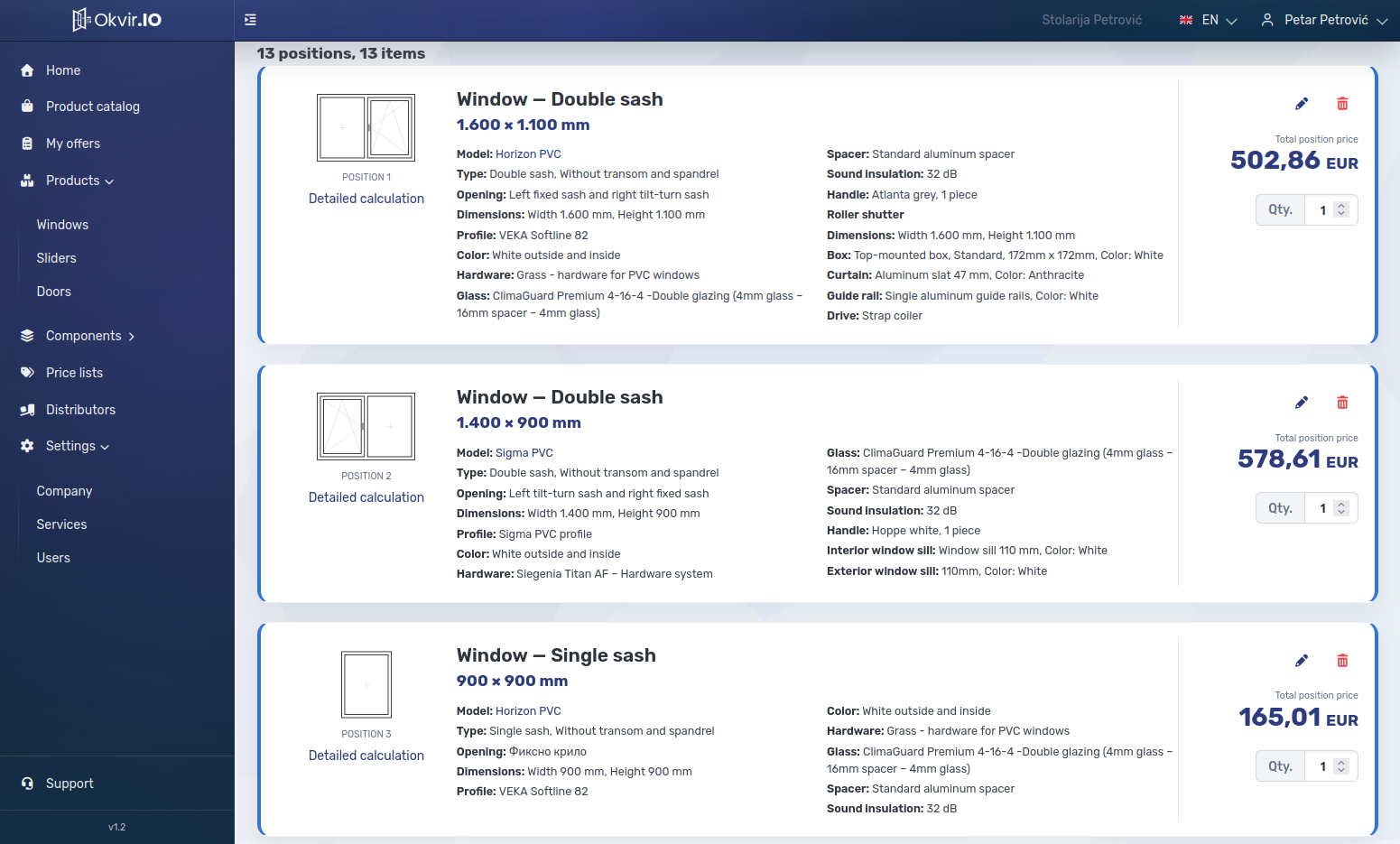
Each position contains the available joinery details, dimensions and information taken from the quote. Installers can see which elements and installation activities are included.
The order covers selected items, rather than every item in a quote automatically. This matters for larger installations carried out over several days. The items are selected when the order is prepared.
04
Measurements and work records
Measurements and work progress can be recorded during the visit using straightforward inputs. The installer marks completed activities and records issues or deviations from the plan.
Each entry remains associated with the relevant job and position, so the work record can be reviewed without reconstructing it from messages and handwritten notes.
05
Remaining work and field report
If installation is incomplete, the installer records what remains to be done and whether adjustment, repair or another visit is required. The notes form part of the field report for follow-up planning.
Once the results are saved and submitted, office staff can review them through the linked installation job, including completed and outstanding work.